01 / DAY
Make daylight count
Workers automatically gather gold and wood during the day. Check your resource totals and the upgrade menus before nightfall.
FREE IDLE DEFENSE GAME · MINIGAME EDITION
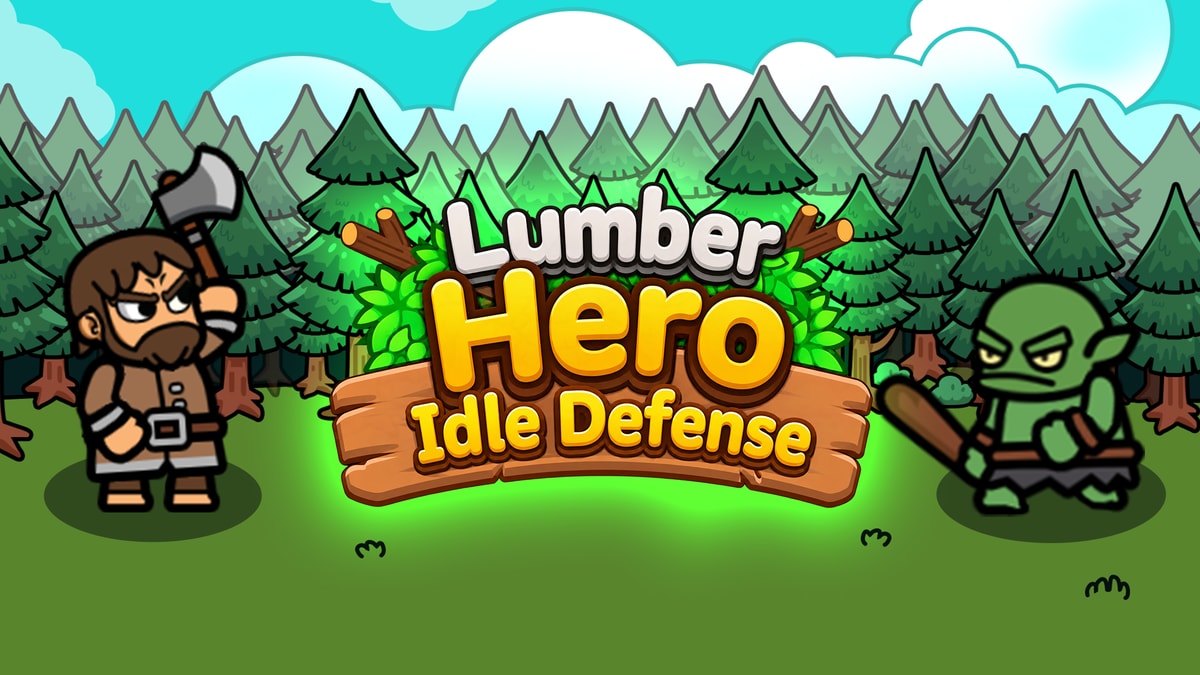
Play Lumber Hero idle defense online for free with the MiniGame edition. Gather by day, upgrade your heroes and defend at night. No download needed.
MiniGame hosts this game and may show ads. Choose the game’s Play Now control inside the frame; ad buttons may open other content.
THE DAY & NIGHT LOOP
Click or tap the in-game menus. Start with the tutorial, gather resources, and choose upgrades before defending your camp.
Workers automatically gather gold and wood during the day. Check your resource totals and the upgrade menus before nightfall.
Heroes attack automatically when monsters arrive. Your role is to choose upgrades and skills, rather than move each hero or aim every attack.
Compare damage, attack speed, range and camp defenses in the upgrade menus. Choose the next improvement based on what went wrong in the previous fight.
BEGINNER GUIDE
Choose an upgrade for the problem you actually face. These are starting points to test, not a guaranteed winning build.
Gameplay reference: MiniGame’s game guide. Check current in-game menus; these tips are not a fully tested walkthrough. Read the MiniGame guide
Follow the mining tutorial and check your current resources before spending. Read each upgrade’s cost so you know what to gather next.
Compare damage and attack-speed upgrades with your current budget. If enemies reach the camp before falling, test an affordable output improvement and watch the next fight.
Watch where monsters overwhelm your camp, then review available defenses before the next night. Menus and options can differ between game versions.
ABOUT THE GAME
This independent page embeds Lumber Hero: Goblins Defense from MiniGame. CrazyGames lists a version titled Lumber Hero: Idle Defense. This page does not provide the CrazyGames build; content, upgrades and saving behavior may differ between distributions.
An independent game page. Game art and gameplay belong to their respective owners.GOOD TO KNOW
In this idle defense game, resource gathering and hero attacks are automatic. You still choose upgrades and skills to help your camp survive. Automatic combat does not guarantee offline progress or cross-device saving.
Yes. Open the embedded MiniGame player and select Play Now. Our site does not require an account or payment. The external provider may show advertising.
No installation is needed. The embedded version runs in a modern browser with JavaScript and canvas support. Loading depends on your connection and the provider’s availability.
Use the left mouse button or tap upgrade menus and skill choices. Combat and resource collection run automatically. You manage upgrades and choose skills rather than manually controlling each attack.
No. This page embeds Lumber Hero: Goblins Defense from MiniGame. The CrazyGames listing is titled Lumber Hero: Idle Defense. Check the provider and version name when comparing guides or saved progress.
Progress is managed by the external game provider, not this site. We cannot guarantee saving across browsers, devices, or private sessions. Avoid reloading before the game has saved.
There are two start steps: our Play now button opens the provider page, then you select the game’s Play Now inside MiniGame. Wait for the tutorial to appear. Choose the game control rather than an advertisement.
Complete the tutorial and check whether your immediate problem is resources, damage, or camp defense. Compare the costs and effects shown in the current menus, then test one change. No fixed upgrade order is guaranteed for every run.
Use a modern mobile browser and tap the on-screen controls. The game uses a portrait playfield. If your browser does not support fullscreen, use Open game on MiniGame to play in a separate tab. Loading still depends on the provider and your connection.
MiniGame’s guide describes gold as funding hero stats such as damage, attack speed and range, while wood supports camp defenses and additional heroes. Check the current in-game menus for available upgrades and their exact costs.
MiniGame’s guide describes retreat as ending the current run with some earned resources available for permanent upgrades. Read the in-game confirmation before choosing it; retreat is not the same as reloading this page.
Before the next boss, review whether enemies survive too long or your camp falls too quickly. Compare damage, attack speed and available defenses, then test a change. These are beginner suggestions, not a guaranteed winning build.
First select Play Now inside the MiniGame frame. If it stays blank, use Open game on MiniGame to compare. If the source works but the embedded view does not, browser privacy settings or network filters may be blocking third-party content. Reload only after considering unsaved progress.